 Better I18N





How do I add my first translation keys?
Three ways in, and the difference between them is who is doing the typing: the CLI reads your code, the dashboard takes them from you, an AI agent writes both the key and the code.
From your code, with the CLI #
This is the one to start with, because your keys already exist — they are the t() calls you wrote.
bun add -g @better-i18n/cli
better-i18n login
better-i18n sync
sync compares what is in your code with what is in your project and shows you the difference. It changes nothing until you say so:
better-i18n sync --push          # create the missing keys
better-i18n sync --push --yes    # no confirmation prompt
better-i18n sync --summary       # just the numbers
--push only ever adds keys found in code. Nothing in your project gets deleted by a sync.
Finding text you have not wrapped yet #
sync compares keys. scan finds the strings that never became keys:
better-i18n scan               # hardcoded text, reported like lint output
better-i18n scan --fix         # wrap it in t() for you
better-i18n scan --staged      # only what you are about to commit
better-i18n scan --ci          # non-zero exit if anything is found
--fix edits your files. Run it on a clean tree so the diff is reviewable.
--staged in a pre-commit hook is the version that keeps a codebase clean without anyone having to remember.
By hand, in the dashboard #
For a key that has no code yet — a string for a page you are still designing, or a value someone dictated in a meeting:
- Open the project's translation editor
- Add key
- Type the key, pick or type its namespace, and give the source value
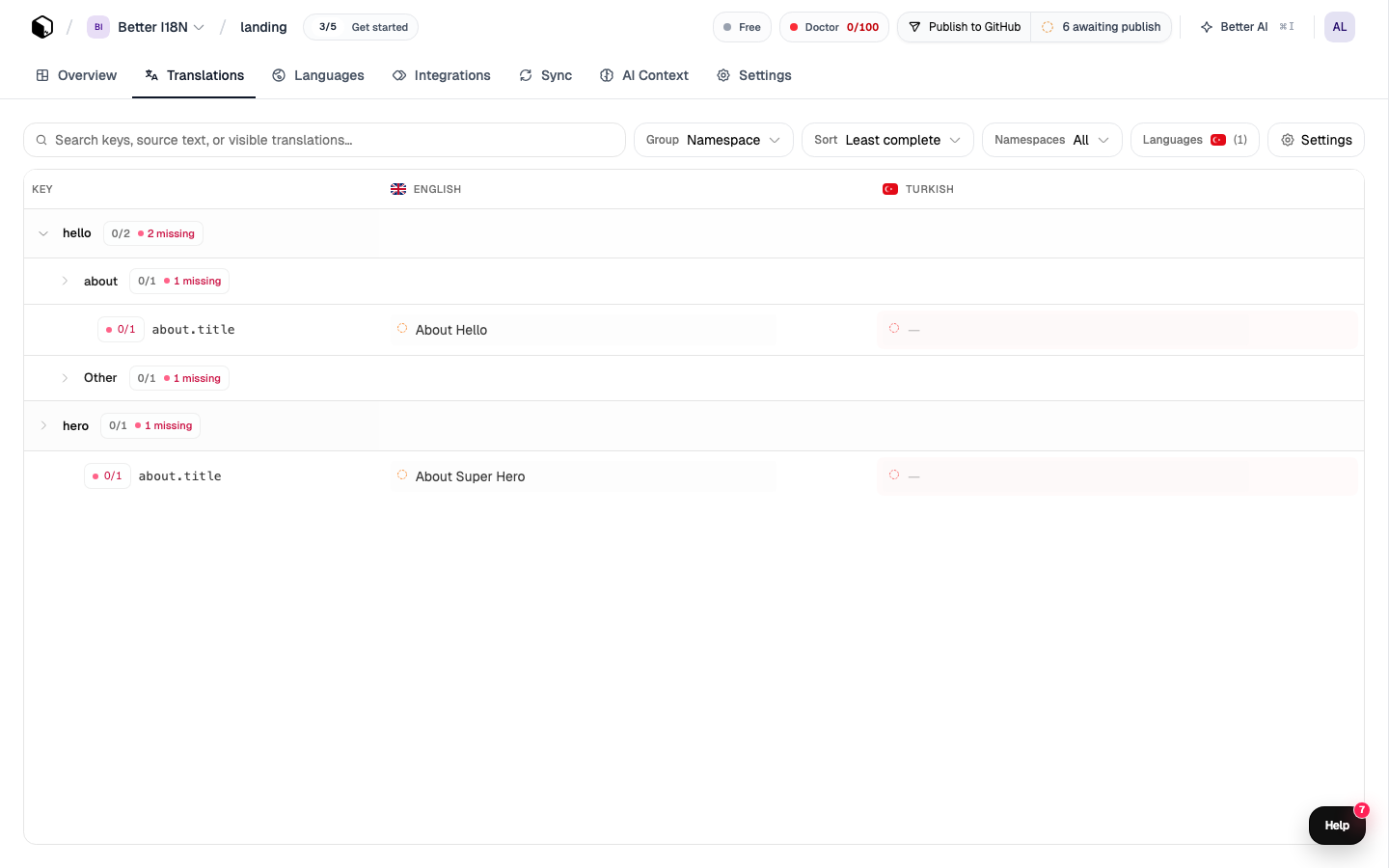
The Add-keys dialog also takes a paste and an upload, so an existing JSON file or a spreadsheet column becomes keys in one step instead of forty.
With an AI agent #
If you use Claude Code, Cursor, or anything else that speaks MCP, connect the Better i18n MCP server and ask in words:
Add common.welcome_message with the English value "Welcome back!"The agent calls createKeys. The reason to want this is not the typing it saves — it is that the agent can add the key and use it in the code in the same edit, so the two never drift.
See How do I use the MCP server with AI coding agents?.
Naming #
The part before the first dot is the namespace, and the namespace is what your app can load on its own — so it is a loading decision, not just tidiness. A checkout page that only needs checkout should not be downloading admin.
| Shape | Example | For |
|---|---|---|
namespace.thing | common.save | Reused across the app |
namespace.section.thing | settings.profile.title | One screen |
namespace.action | auth.login_button | One feature |
Where a string is ambiguous on its own — "Open", "Post", "Set" — the key is not enough context for a translator, and neither is the source text. Say where it appears. Better i18n also reads your live pages for context, which is website analysis.
Check the two directions #
better-i18n check:missing   # in code, not in your project
better-i18n check:unused    # in your project, not found in code
better-i18n check           # both, interactively
check:missing catches the key you used but never created — the one that ships as a raw key path. check:unused finds what a refactor left behind.
Both take --ci style output via --format json, which is how they end up in a pipeline.